
You change the cartridge and the printer shows an error instead of printing. It happens with original cartridges too. Work through these checks in order. Most cases end at the first or second.
Why does my printer say the cartridge is not recognized?
The printer reads a small chip on the cartridge, and the reading failed. In most cases the cause is 1 of 3 things: the wrong cartridge number, protective tape left on the contacts, or a cartridge that is not seated.
Six checks, in order
- Compare the number on the new cartridge with the old one. A 63 and a 65 look alike and do not swap.
- Look up your printer model in the cartridge’s model list. If the model is not there, the cartridge is not meant for it.
- Remove every piece of tape and every plastic clip. On ink cartridges the tape covers the nozzles and sometimes the copper contacts.
- Take the cartridge out and push it back until it clicks. On toner, rock it gently side to side first so the powder settles evenly.
- Wipe the copper contacts with a dry lint-free cloth. Do not touch the nozzles.
- Turn the printer off, wait 30 seconds and turn it on. Many printers re-read the chip only at start.

Do GREENBOX cartridges have a chip?
18 GREENBOX cartridges state the chip in so many words, for example “Latest Intelligent Chip”. Look for the Chip line in the cartridge’s specifications.
HP+ is a case with a written answer. Our 64XL ink is not compatible with HP+ enrolled printers. The 67 / 67XL ink is. If your printer is enrolled in HP+, read that note before you order.
The low ink message
A printer estimates the level from the chip, and the estimate can be off with any replacement cartridge. If the pages still look right, keep printing. Replace the cartridge when the print fades or streaks, not when the message first appears.
The printer warranty
A cartridge that is not recognized is a fit question, not a warranty one. For the record, the federal rule on warranties and replacement parts reads as follows.
No warrantor may condition the continued validity of a warranty on the use of only authorized repair service and/or authorized replacement parts for non-warranty service and maintenance
If none of the six checks helps, the cartridge may be faulty. Open the order with our retail partner and ask for a replacement or a return.
63XLHP
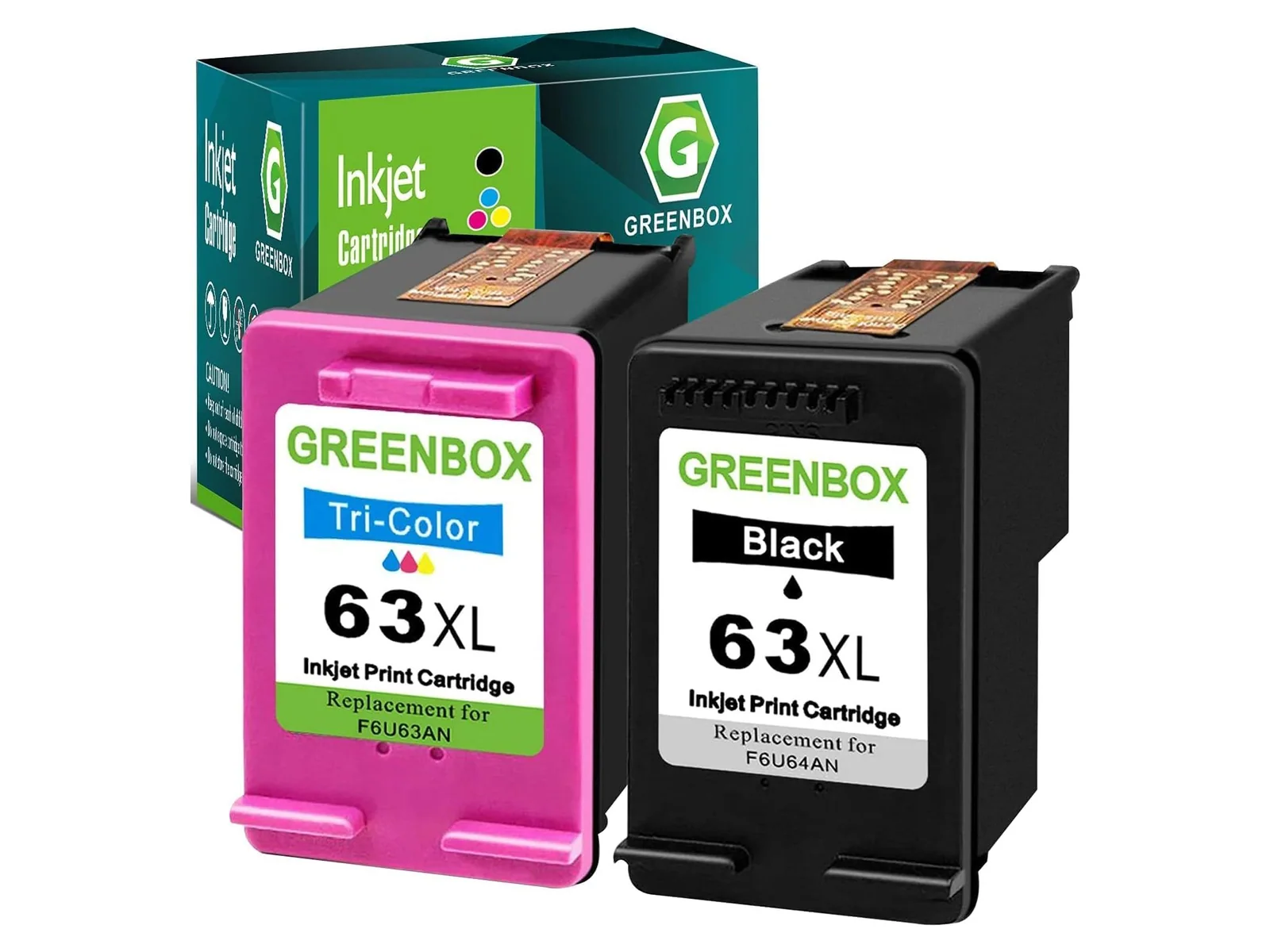
Remanufactured for HP
Up to 650 black / 450 color pages
245Canon
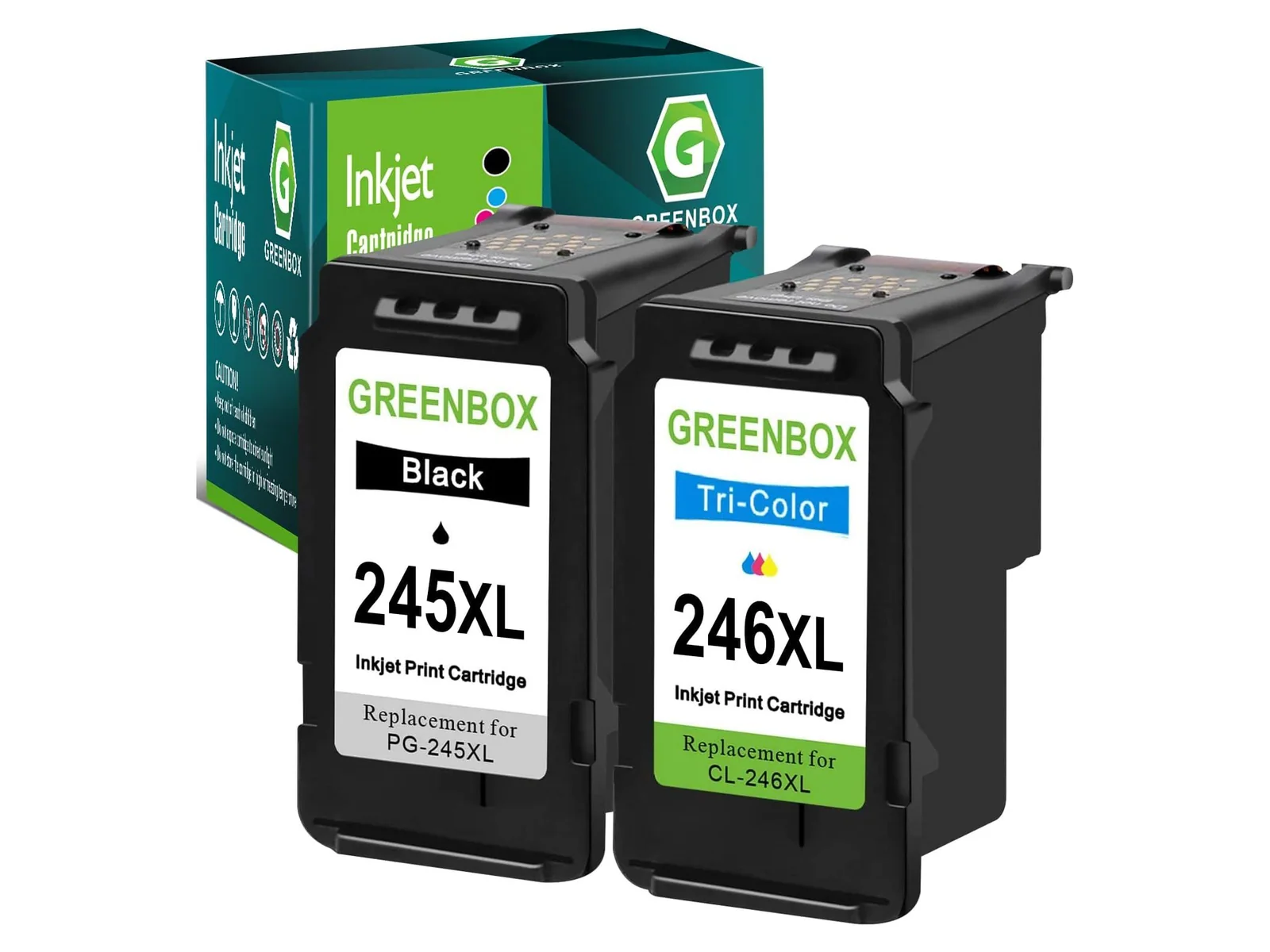
Remanufactured for Canon
Up to 400 black / 300 color pages
Sources
- Code of Federal Regulations, 16 CFR 700.10, Prohibited tying, read 11 October 2026